
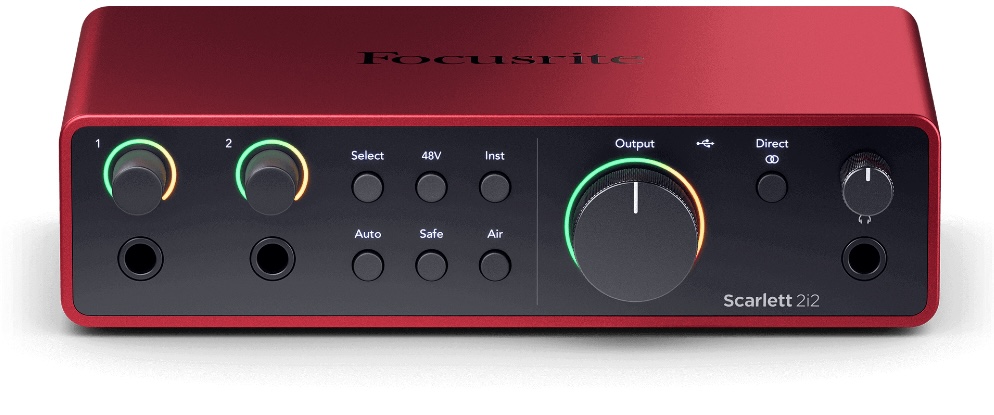
If you’re reading this article on a desktop or laptop, you might not realize just how lucky you are as a guitarist. Why? Because that very device you’re using to browse the web, watch YouTube, or get through some home office work could be the ultimate tool for shaping your guitar tone. Imagine this: the computer you have in front of you is capable of becoming the most powerful guitar rig you’ve ever dreamed of. With the right software, you can load amp, cabinet, and effects emulators that replicate the exact sounds of legendary setups, turning your humble computer into a pro-level studio that could rival what big-name bands from the ’60s used to record their hits. Don’t believe me? Just ask Finneas O’Connell who’s recorded and produced global hits right from his bedroom.
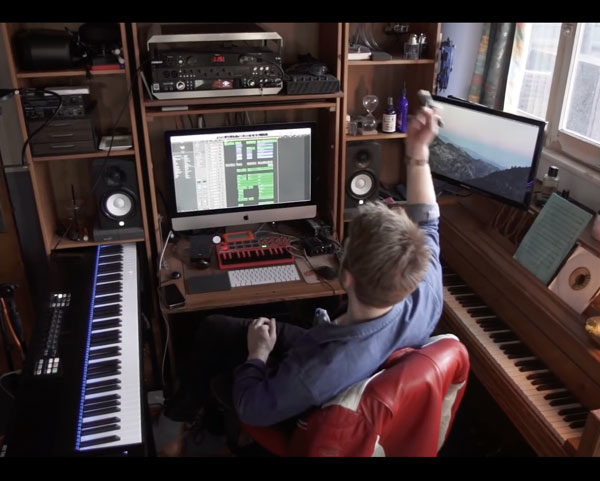
But here’s the kicker: to unlock this magic, you need a way to connect your guitar to your computer, and you’ll also need to hear what you’re playing in real-time. Enter the world of digital audio interfaces. And trust me, there are tons of them out there. The problem? It’s easy to get overwhelmed. You could end up buying something way too complicated, or you might try to save a few bucks and wind up with bad sound, terrible latency (that annoying delay between hitting a note and hearing it), or just awful monitoring. And let’s face it, if you’re not hearing yourself clearly, it’s going to ruin the whole experience.
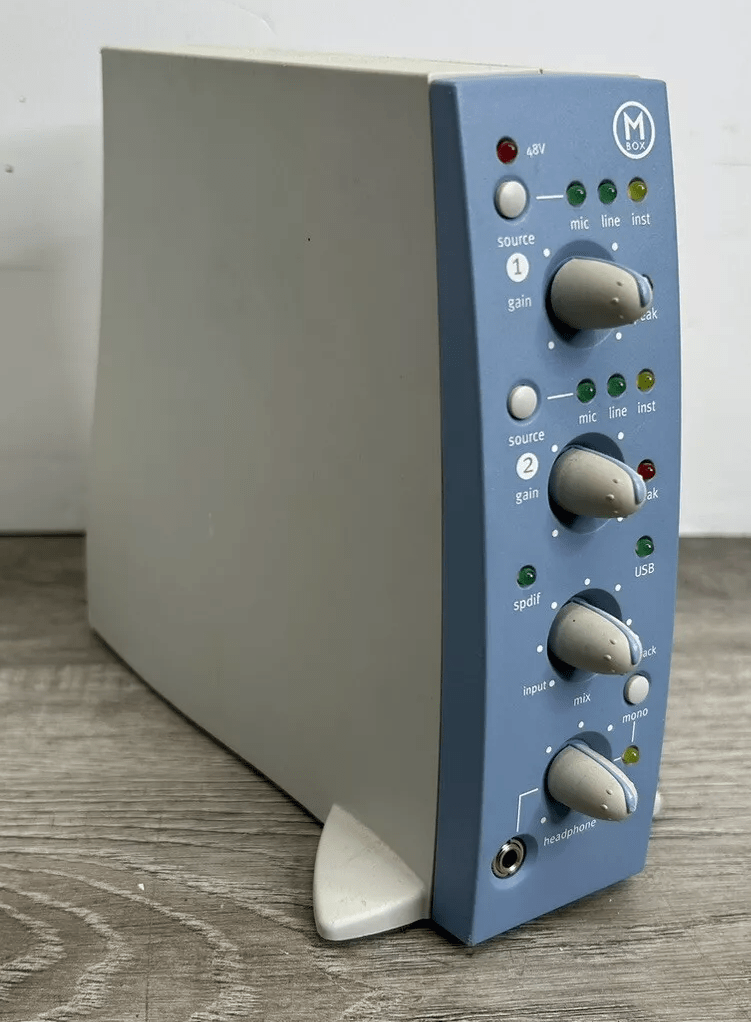
I’ve been down that road. For years, I used a DigiDesign M-Box (yeah, back around 2001 or 2002), then moved on to an M-Audio M-Track interface that a friend gave me. While it worked, it never quite delivered the sound I was after.
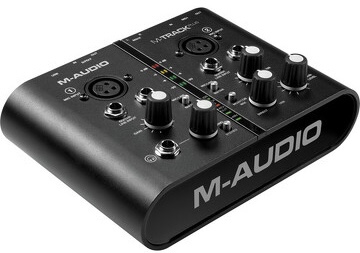
With the M-Track, I was constantly dealing with weird noises and glitches that completely ruined the experience of playing. I could never figure out if it was just the unit itself or because it had already been through the wringer. Eventually, I had enough. I dove into some serious research, determined to find an interface that delivered top-notch sound without draining my bank account. I’m a pretty simple player—I use backing tracks, and all I need is to plug in my guitar and play. That’s when I found this little red box with big potential: the Focusrite Scarlett Solo.
As a guitarist, you’ll find the Scarlett Solo to be a total game-changer for recording. It’s got all the essentials, without the unnecessary fluff, and I’ll explain why it’s awesome, where it could be improved, and why it just might be the perfect addition to your setup.
The Key Features (And Why They Matter)
Top-Notch Preamps: Capturing Your True Tone
The Scarlett Solo comes equipped with a high-quality preamp, and trust me, this matters. The preamp is what amplifies your guitar signal to line level (basically, the right volume for recording), and the Scarlett Solo’s preamps are known for being super clean. What does that mean for you? It means that when you play, the sound coming out of your guitar is going to be crystal clear. Every note, every chord—just the way you intended. Whether you’re strumming clean jazz chords or shredding with heavy distortion, the Scarlett Solo captures it beautifully without adding any noise or distortion of its own.

Direct Monitoring: Hear Yourself in Real Time
This feature is a lifesaver. Direct monitoring lets you listen to your guitar as you play without any lag. If you’ve ever tried recording on your computer and noticed that the sound is delayed when you play, you know how frustrating it can be. With the Scarlett Solo, you get zero latency monitoring, which means you hear what you’re playing in real time, exactly when you play it. For guitarists, especially when recording leads or timing-sensitive riffs, this is crucial.
Simple Inputs: Plug and Play
The Focusrite Scarlett Solo keeps it straightforward with two inputs: an XLR for mics on the back and a 1/4″ jack for your guitar or bass on the front. Easy, right? Just plug your guitar in directly or mic up your amp—whatever suits your style. Either way, you’ll get a clean, solid recording. The beauty of its simplicity is that you spend less time messing with settings and more time doing what matters most—making music.
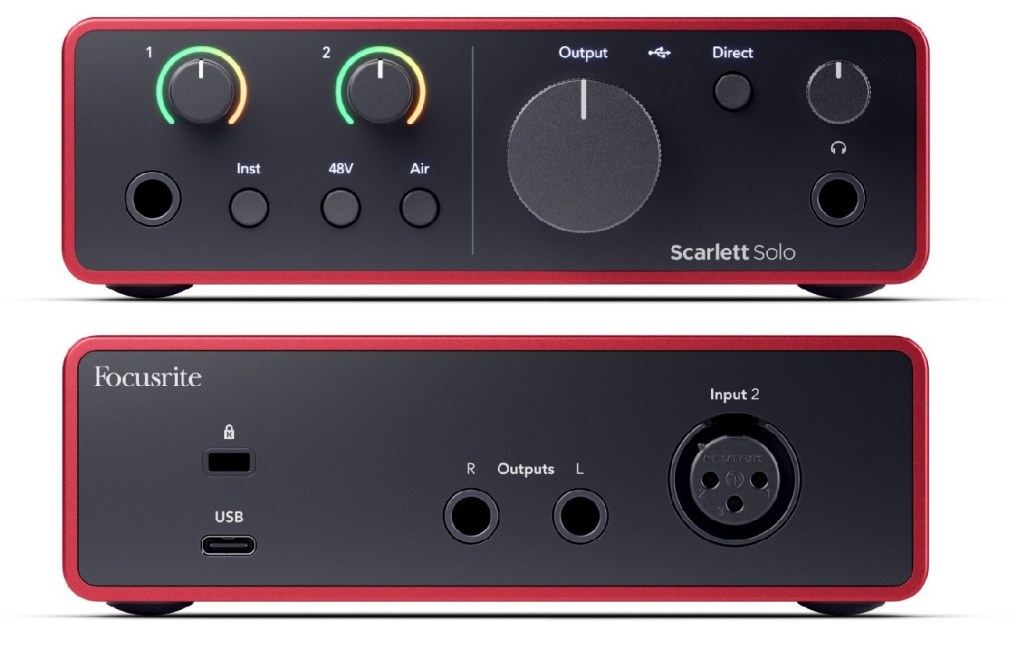
On the front, you’ll find just what you need: a guitar/instrument input and a headphone output—clean and straightforward. Around the back, there’s a Kensington lock slot to prevent theft, a USB-C port for power and data, an XLR input for a microphone, and two balanced outputs (left and right) for studio monitors. It’s a simple setup, but it covers all the essentials without any unnecessary clutter.
USB-Powered: No Extra Power Cables
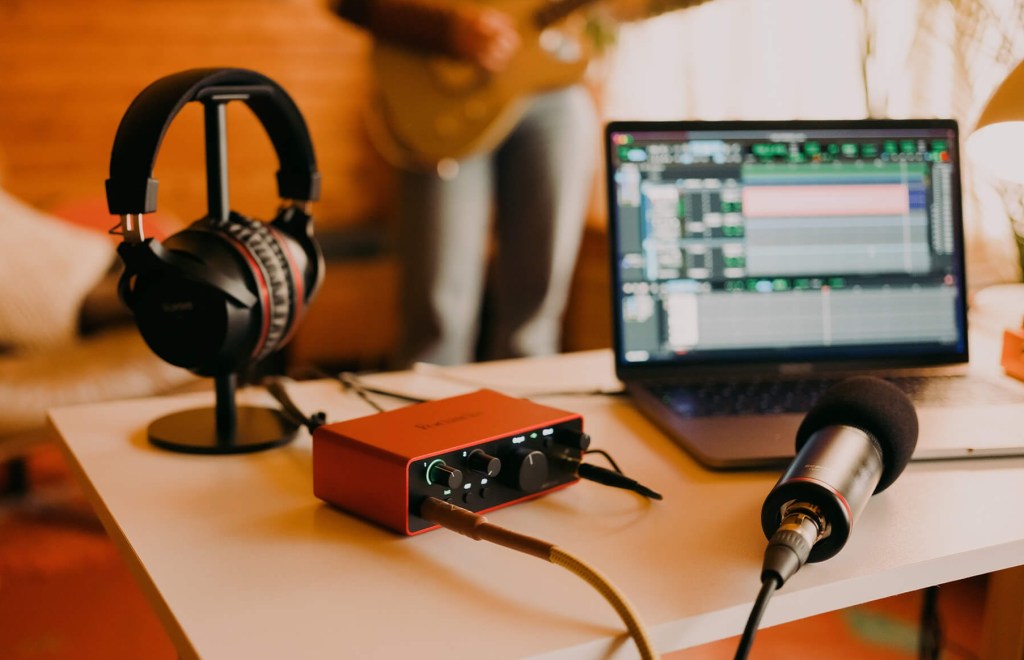
One of the things I love most about the Scarlett Solo is that it’s powered entirely by USB. You just plug it into your computer, and you’re good to go. No need to hunt down a power supply or mess with extra cables. This makes it super portable too. Whether you’re working in a home studio or just throwing it in your backpack to take to a friend’s house, the Solo is ready when you are.
Compact and Durable: Ready for Any Setup
Let’s talk about the look and feel for a second. The Scarlett Solo has that iconic red aluminum casing that looks cool, but more importantly, it’s durable. You can toss it in a bag, drop it on your desk, and it’ll still work like a charm. Plus, it’s small—so it won’t clutter up your workspace. It’s perfect if you don’t have a lot of room to spare but still want something that feels professional.
What’s Great About the Focusrite Scarlett Solo?
Affordability Without Compromise
The suggested retail price for the Focusrite Scarlett Solo is around $180 USD, but it’s pretty easy to find it for $130 or even less. At that price, you’re getting some serious quality. Honestly, you’d expect to pay more for something that delivers such clean, professional-grade sound. It’s one of the best investments a guitarist can make if you want to start recording at home without sinking a ton of cash into an overly complicated setup.

Ease of Use: Set It and Forget It
Even if you’re new to recording, the Scarlett Solo is incredibly easy to set up. It’s plug-and-play with most recording software, meaning you won’t have to spend hours troubleshooting. Whether you’re using GarageBand, Ableton, or Pro Tools, it works right out of the box. The same goes if you are using AmpliTube. The user-friendly design means you can focus on playing, not on figuring out complicated settings.
Sound Quality That Stands Out
The sound you’ll get from the Scarlett Solo is way above what you’d expect for the price. You can hear all the nuances of your playing, from subtle vibratos to full-on power chords. It’s particularly great for guitarists because it handles the dynamic range of the instrument really well, whether you’re playing soft acoustic fingerpicking or heavy metal riffs.
Where the Focusrite Scarlett Solo Could Be Better
Limited Inputs: Not for Multiple Instruments
If you’re hoping to record multiple instruments or voices at once, the Scarlett Solo might feel a bit limiting. It only has two inputs, so you can’t mic up your guitar and vocals simultaneously unless you get creative (or upgrade to a bigger model like the Focusrite 2i2). But if you’re just recording guitar—or guitar and a simple vocal track—this won’t be an issue.
No MIDI Support: A Miss for Electronic Musicians
This one’s a bit of a bummer if you’re into MIDI instruments like keyboards or drum machines. The Scarlett Solo doesn’t have a MIDI input, which means you’ll need a separate interface if that’s something you plan on incorporating into your music. For guitarists, though, this may not be an issue.
Basic Controls: Not for the Tech-Savvy Crowd
While the simplicity is a huge plus for most people, if you’re someone who likes to fine-tune every little detail of your sound, the Scarlett Solo might feel a bit too basic. There aren’t a ton of bells and whistles, so if you’re into really tweaking your settings, you might want to look for something with more advanced features.
In brief: Pros & Cons
Pros:
- Affordable High-Quality Sound: At around $130, you get a clean, professional sound without breaking the bank.
- Ease of Use: Plug-and-play functionality means you can get started quickly, even if you’re new to recording.
- Direct Monitoring: Zero-latency monitoring lets you hear what you’re playing in real-time, crucial for guitarists.
- Portable and Durable: Compact, lightweight, and powered by USB, making it easy to use anywhere without extra cables.
- Crystal-Clear Preamps: Provides a clean sound, capturing the true tone of your guitar without adding noise.
Cons:
- Limited Inputs: Only two inputs, which can feel restrictive if you’re looking to record multiple instruments or vocals at once.
- No MIDI Support: Lack of MIDI input means it’s not ideal for musicians who want to connect keyboards or other MIDI devices.
- Basic Features: While great for beginners, more advanced users might find the controls too simplistic for their needs.
Conclusion: Should You Get the Focusrite Scarlett Solo?
If you’re a guitarist looking to record at home without needing a Sound Engineering degree just to hook up your guitar, the Focusrite Scarlett Solo is easily one of the best pieces of gear you can buy. It’s affordable, incredibly simple to use, and delivers top-notch sound without any hassle. Whether you’re laying down demos, jamming with backing tracks, or recording serious studio-quality tracks, the Scarlett Solo is up to the task.
Be careful when shopping around—you might find cheaper options, but with the Focusrite Scarlett Solo, you’re getting premium qualityx. Honestly, for what this little red box delivers, it feels like a steal.
Sure, it has a couple of limitations, like only two inputs and no MIDI support, but for most guitarists, that’s not a dealbreaker. In the end, the Focusrite Scarlett Solo is all about giving you exactly what you need—no fluff, no complications. It’s reliable, sounds amazing, and won’t require you to sell your soul (or your gear) to afford it.
nd just a friendly reminder: this isn’t a sponsored post—I bought the Scarlett Solo with my own money to give you my honest opinion.
 oscaronguitars.com
Leave a comment