
If you’ve been diving deep into the world of guitar tone, you’ve likely encountered the concept of amp cabinet emulators. These digital tools have revolutionized the way we approach guitar sound, offering endless possibilities without the need for massive, heavy speaker cabinets. But what exactly are amp cabinet emulators, and how can they enhance your playing? In this ultimate guide, we’re going to break it all down, from the basics to advanced tips, so you can make the most of this incredible technology.
What Are Guitar Amp Cabinet Emulators?
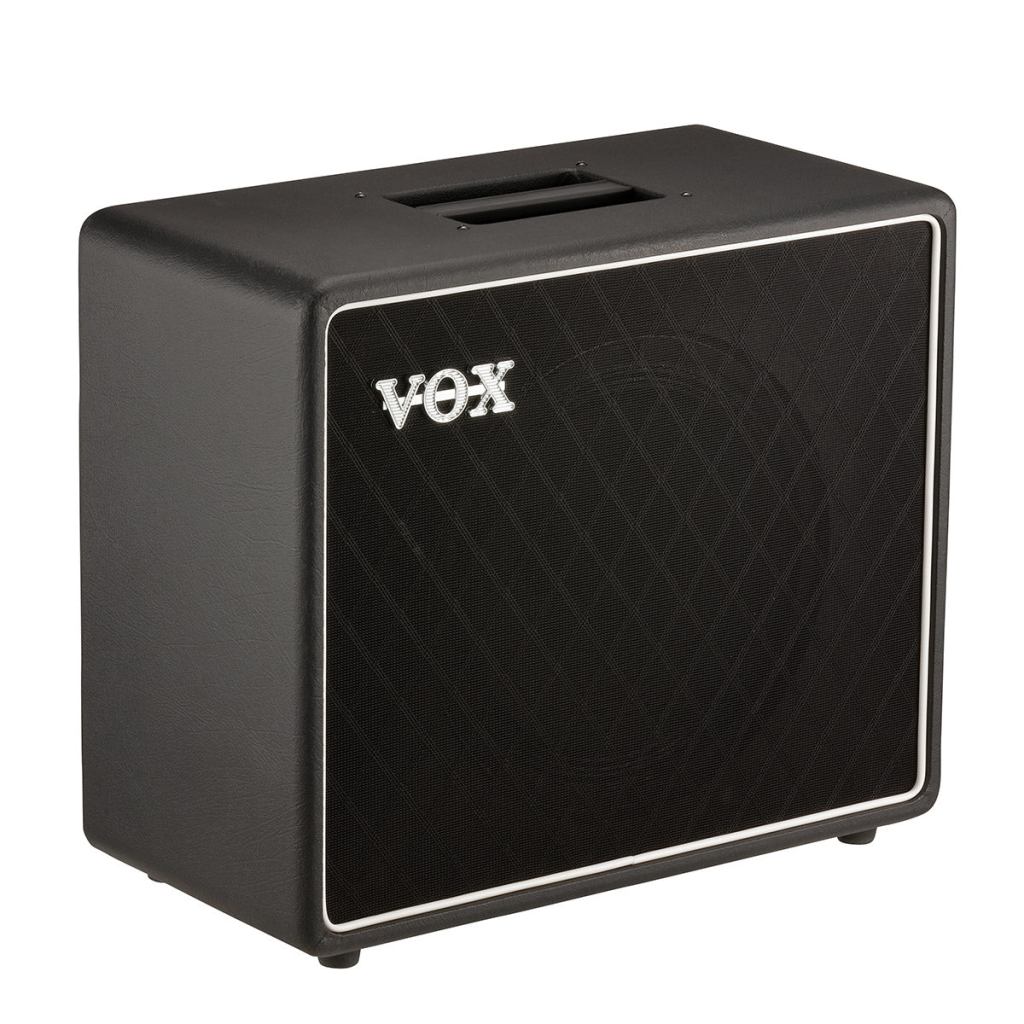
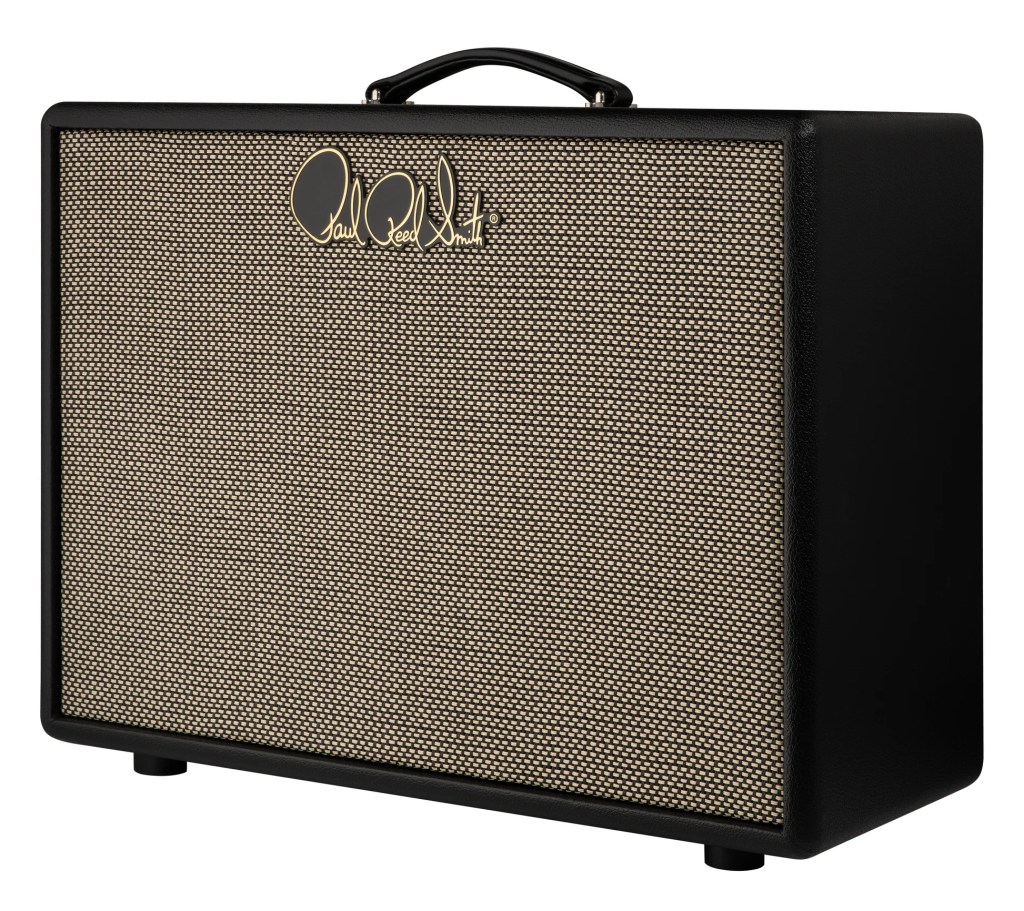
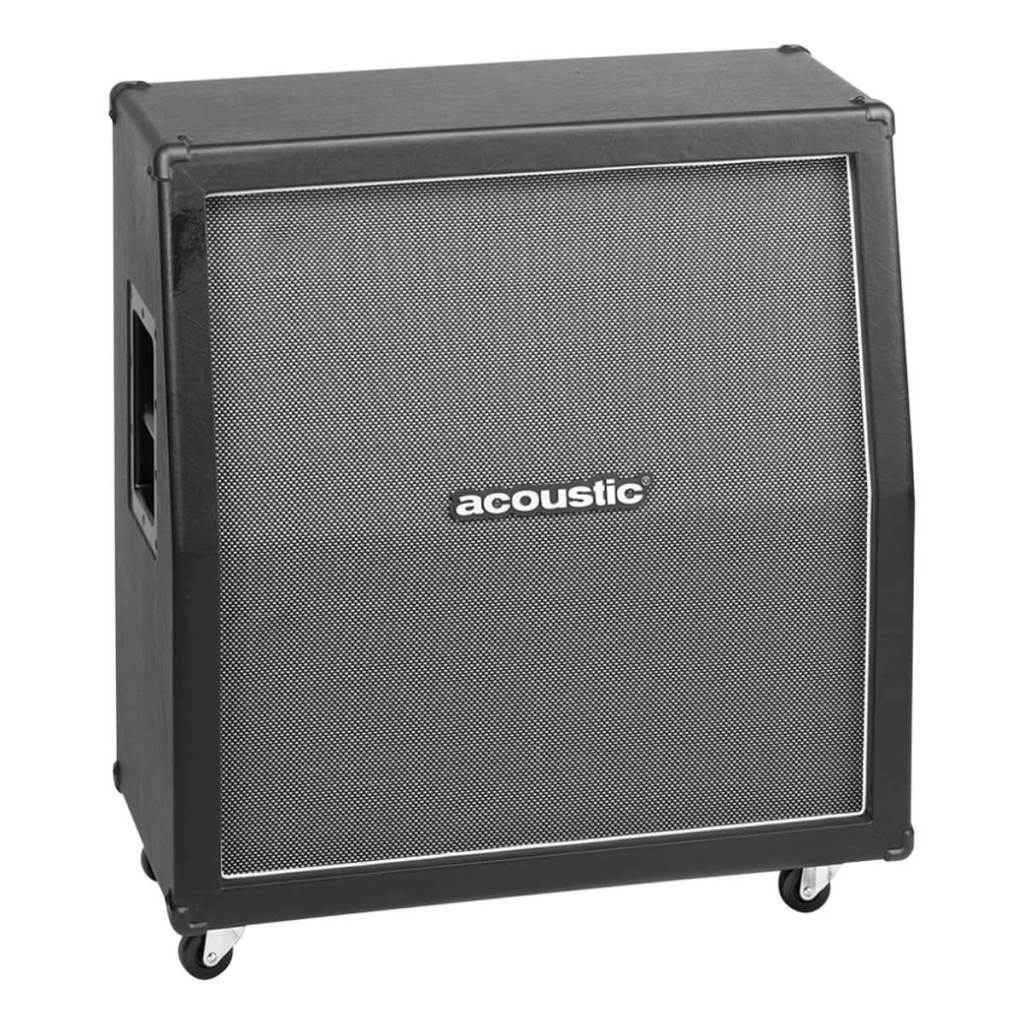
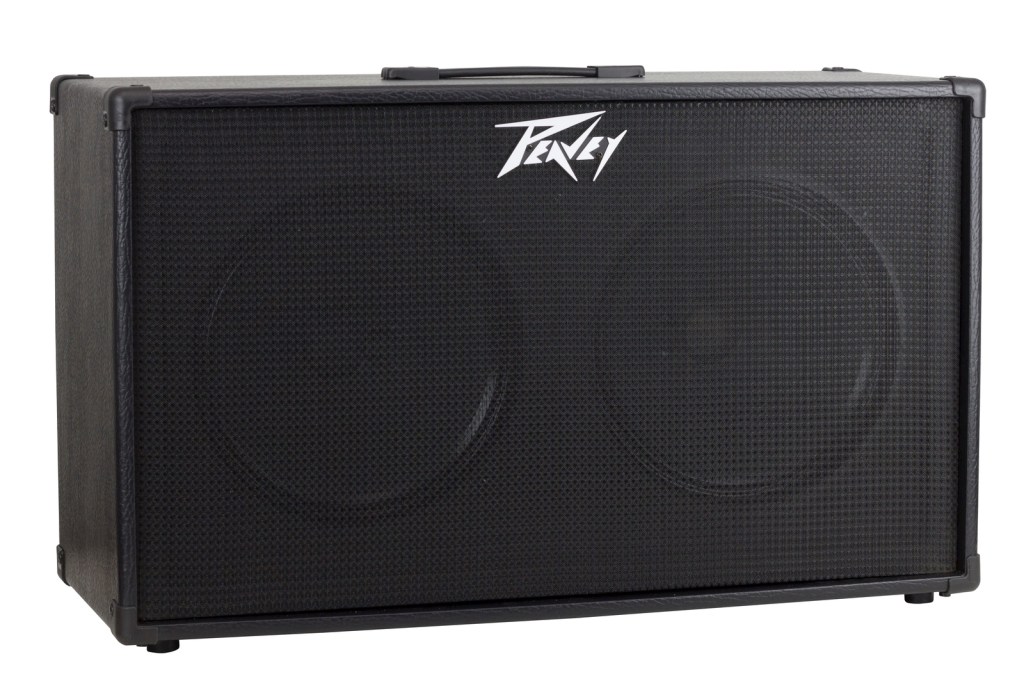
Let’s start with the basics. A guitar amp cabinet emulator is a digital tool that replicates the sound characteristics of a physical guitar speaker cabinet. In the analog world, a guitar signal is typically amplified by an amp head and then pushed through a speaker cabinet, which shapes the tone significantly. The cabinet’s size, speaker type, material, and even the room it’s in all influence the final sound.
Digital emulators take this process into the digital realm, using software algorithms to mimic the sound of various speaker cabinets. This means you can achieve the sound of a classic 4×12 Marshall stack, a Fender Twin Reverb combo, or even a custom-built cab, all without needing to physically own these hefty pieces of equipment.
Why Use a Cabinet Emulator?
Before we dive into the nitty-gritty, you might be wondering: Why bother with a cabinet emulator when you can just mic up a real cabinet? Here are a few reasons:
- Convenience: A full-size cabinet is not exactly portable. Digital emulators allow you to carry an entire library of cabinet sounds in a laptop, pedal, or even a smartphone app.
- Consistency: Miking a real cabinet can produce inconsistent results due to mic placement, room acoustics, and other variables. Emulators provide a consistent sound every time.
- Versatility: With digital emulators, you can switch between different cabinet sounds with the click of a button, allowing for quick experimentation and tonal flexibility.
- Cost-Effectiveness: High-quality cabinets and microphones can be expensive. Emulators give you access to a wide range of sounds without breaking the bank.
- Silent Recording: Emulators allow you to record directly into your DAW without needing to blast your amp in a loud room, perfect for late-night recording sessions or when you’re working in a space where noise is an issue.
Types of Cabinet Emulators
There are several types of cabinet emulators available, each catering to different needs and preferences. Let’s break down the main categories:
- Software Plugins: These are perhaps the most versatile option, offering extensive libraries of cabinet models that can be loaded directly into your digital audio workstation (DAW). Examples include plugins like Two Notes Torpedo or IK Multimedia’s AmpliTube.
- Standalone Hardware: These are physical devices that you plug your guitar into, often sitting between your amp and your recording setup. They usually offer a range of cabinet simulations, often with the option to load your own impulse responses (IRs). Popular examples include the Kemper Profiling Amp, Line 6 Helix, or the Fractal Audio Axe-Fx.
- Pedals: For those who prefer a more traditional pedalboard setup, there are pedals specifically designed to emulate cabinets. The Strymon Iridium and Mooer Radar are good examples, offering powerful cabinet simulations in a compact format.
- Built-In Emulation in Amps: Some modern amps come with built-in cabinet emulators, which can be used for direct recording or playing through PA systems without a mic’d cab. The Fender Mustang and Boss Katana series are popular choices here.
- Mobile Apps: For on-the-go practice and quick recording ideas, mobile apps like Bias FX or Tonebridge offer surprisingly robust cabinet emulations that can be used with your smartphone or tablet.
Understanding Impulse Responses (IRs)
One of the key technologies behind modern cabinet emulators is the use of Impulse Responses (IRs). But what exactly are IRs?
Impulse Responses are digital snapshots of a speaker cabinet’s sound. They capture the way a specific cabinet reacts to a signal, including the speaker’s characteristics, the mic used, and the room acoustics. IRs are incredibly detailed, allowing for highly accurate emulations of real-world cabinets.
Many emulators allow you to load custom IRs, meaning you can experiment with a vast range of cabinet sounds, even ones that aren’t included with your hardware or software. You can find IRs of famous cabinets, rare vintage models, or even create your own by recording your favorite cabinet setup and converting it into an IR file.
Key Features to Look For in Cabinet Emulators
When choosing a cabinet emulator, there are several features to consider to ensure you get the best possible tool for your needs:
- Cabinet Models: Look for emulators that offer a wide range of cabinet models. The more options you have, the more versatile your sound will be.
- Impulse Response Loading: The ability to load custom IRs is crucial for flexibility. Make sure your emulator supports third-party IRs if you want to experiment with different sounds.
- Mic Placement Options: Some emulators allow you to adjust the virtual mic placement, just like you would with a real cabinet. This can significantly alter your tone and is a useful feature for dialing in the perfect sound.
- User Interface: A user-friendly interface can make a big difference in how easy it is to tweak your sound. Look for an emulator with intuitive controls and clear visual feedback.
- Output Options: Whether you’re recording, playing live, or just practicing, make sure your emulator has the right output options for your setup, whether it’s direct to a PA, into a recording interface, or through a set of studio monitors.

Do’s and Don’ts of Using Cabinet Emulators
To get the most out of your cabinet emulator, here are some practical tips:
Do’s:
- Experiment with Different Cabinets: Don’t just stick to one cabinet model. Explore different options to find what works best for each song or playing style.
- Use High-Quality IRs: If you’re loading custom IRs, make sure they’re high-quality. The better the IR, the better your overall tone will be.
- Adjust Mic Placement: Even slight adjustments to the virtual mic placement can drastically change your sound. Play around with these settings to find your sweet spot.
- Combine Multiple Cabinets: Some emulators allow you to blend two or more cabinets. This can create a fuller, more complex tone that’s perfect for layering in recordings.
Don’ts:
- Overload Your Signal Chain: It’s easy to go overboard with effects and emulations. Keep your signal chain clean to avoid muddiness.
- Ignore the Room Sound: If your emulator allows for room sound adjustments, don’t overlook this feature. Adding a bit of room ambience can make your sound more natural and lively.
- Forget to Save Presets: Once you’ve dialed in a killer tone, save it as a preset. This will save you time in future sessions and ensure consistency.
- Neglect Your Monitoring Setup: Remember that your monitoring setup will affect how your emulator sounds. Make sure your speakers or headphones accurately reflect what your audience will hear.
Famous Guitarists Using Cabinet Emulators
Many professional guitarists have embraced cabinet emulators, both in the studio and on stage. Here are a few notable examples:
- John Petrucci (Dream Theater): Known for his meticulous attention to tone, Petrucci often uses digital emulators in his rig, particularly with his Fractal Audio Axe-Fx, to achieve a wide range of sounds without needing multiple physical cabinets.
- Steve Vai: Vai has been a long-time user of digital gear, including cabinet emulators, to create his signature sound. His ability to craft intricate, layered tones often involves the use of advanced emulation technology.
- Tosin Abasi (Animals as Leaders): Abasi, a pioneer in modern progressive metal, utilizes cabinet emulators to achieve his highly technical and precise sound. His use of digital emulations allows for the consistency and clarity needed in his complex music.
- Andy Summers (The Police): Even in the classic rock era, Summers embraced early forms of cabinet emulation to create his signature ambient guitar sound, paving the way for future generations of digital enthusiasts.
Advanced Tips for Using Cabinet Emulators
Once you’ve got a handle on the basics, here are some advanced tips to take your cabinet emulation to the next level:
- Create Your Own IRs: If you have access to a great-sounding cabinet, try creating your own IRs. This can be done by recording your cabinet with high-quality microphones and then converting the audio into an IR file. This gives you a unique, personal sound that no one else has.
- Use Multiple IRs for a Custom Blend: Some emulators allow you to blend multiple IRs. For example, you might combine a vintage 4×12 with a modern 2×12 to get the best of both worlds. This technique can produce a more complex and refined tone.
- Layer Cabinets in the Mix: When recording, consider using different cabinet emulations for different parts of the track. For instance, you might use a tight, focused cab for rhythm guitars and a larger, more resonant cab for lead parts. This can help each part stand out in the mix.
- Explore Non-Guitar Cabinets: Don’t limit yourself to just guitar cabinets. Some emulators include bass cabinets, PA speakers, or even custom sound designs that can add unique character to your tone.
- Automate Cab Changes: In a DAW, you can automate cab changes within a song. This is great for live recordings or complex arrangements where you want the cabinet sound to evolve over the course of the track.
- Combine with Other Effects: Cabinet emulators pair well with other digital effects, such as reverb, delay, and modulation. Experiment with these combinations to create lush, dynamic sounds that would be difficult to achieve with hardware alone.
Conclusion: Embrace the Power of Cabinet Emulation
Guitar amp cabinet emulators have revolutionized the way we think about tone. By bringing the sound of iconic cabinets into a digital format, these tools offer unprecedented flexibility, convenience, and creative potential. Whether you’re a home studio enthusiast, a gigging musician, or just someone who loves to experiment with sound, cabinet emulators can take your guitar playing to new heights.
So, dive in, explore different emulators, experiment with IRs, and most importantly, have fun with it. The world of guitar tone has never been more accessible, and with the right tools, your perfect sound is just a few clicks away.
 oscaronguitars.com
Leave a comment