
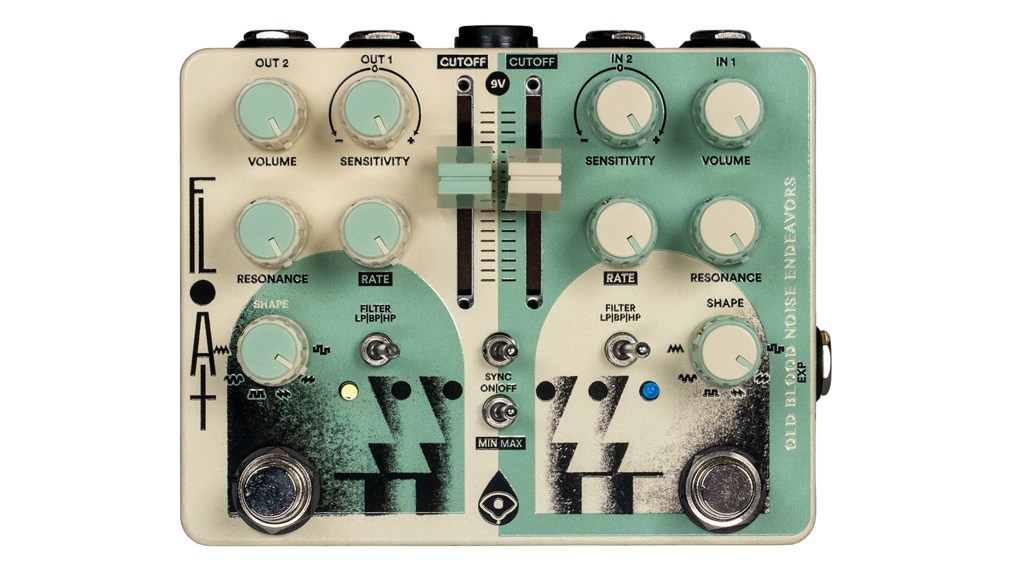
Hey there, guitar enthusiasts! If you’ve been exploring the world of guitar effects, you’ve probably come across the term LFO filter. While it might sound like something out of a science lab, it’s actually a powerful tool that can add depth, movement, and a unique flavor to your guitar sound. So, what exactly is an LFO filter in guitar effects, and how can it take your playing to the next level? Let’s dive in and find out.
What Is an LFO?
First, let’s break down what LFO stands for: Low-Frequency Oscillator. An LFO is a waveform that oscillates (or moves up and down) at a low frequency, usually below 20 Hz, which is below the range of human hearing. Unlike audio signals that create the sounds you hear, an LFO is used to modulate other parameters, such as pitch, volume, or, in this case, filters.
In simpler terms, think of an LFO as a wave that moves slowly up and down, and when applied to a guitar effect, it can create rhythmic variations and changes in your sound, adding a dynamic and evolving texture to your tone.
What Is an LFO Filter?
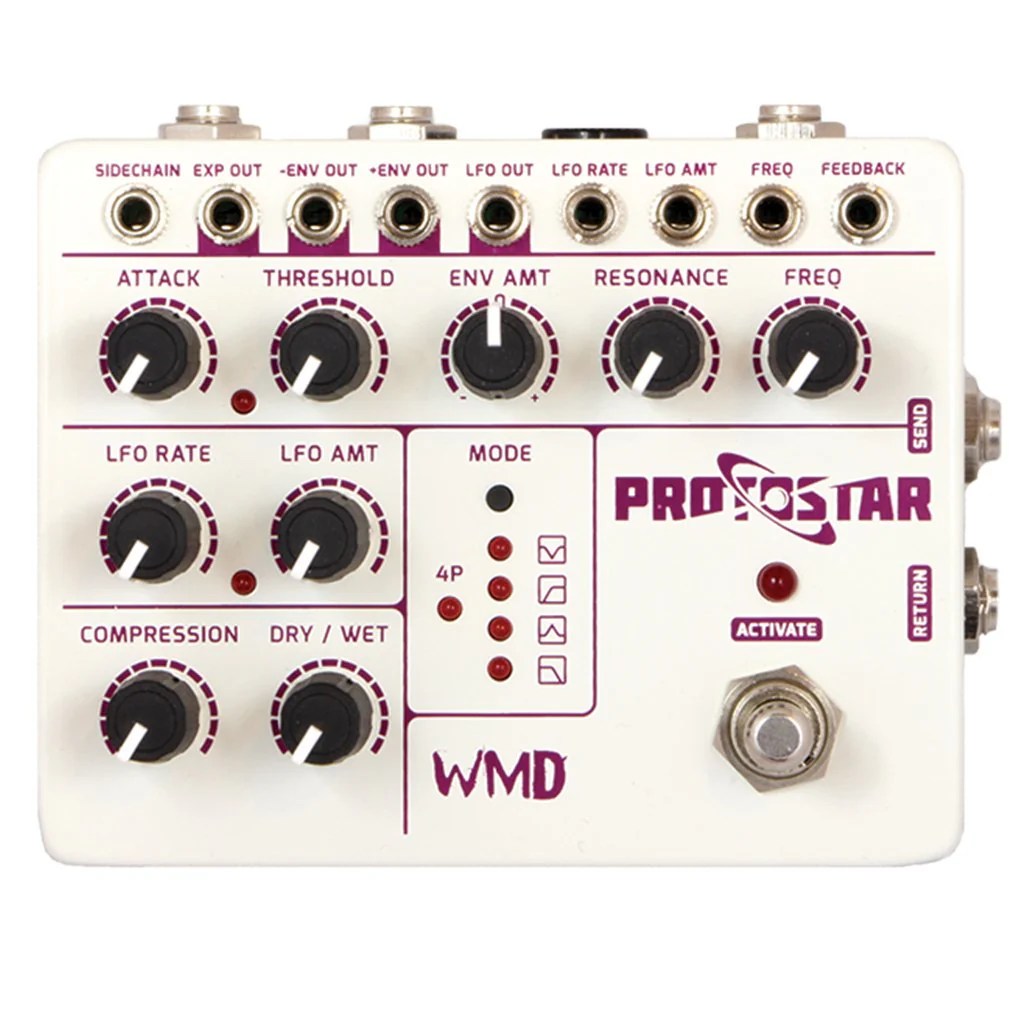
An LFO filter in guitar effects refers to the application of an LFO to control a filter’s parameters, such as its cutoff frequency. This modulation creates a sweeping effect, where the frequency range that the filter allows to pass through changes over time. The result is a sound that can vary from subtle pulsations to dramatic, sweeping modulations depending on how the LFO is set up.
This effect is commonly used in phasers, flangers, tremolos, and even some delay effects to add movement and life to the sound, making it feel more dynamic and less static.

How Does an LFO Filter Work?
Here’s a basic rundown of how an LFO filter operates:
- LFO Waveform: The LFO generates a waveform, which could be a sine wave, square wave, triangle wave, or any other shape. This waveform determines how the filter modulates over time.
- Frequency Modulation: The LFO modulates the filter’s cutoff frequency, which is the point where certain frequencies are either allowed to pass through or are attenuated (reduced). As the LFO oscillates, it sweeps this cutoff point up and down the frequency spectrum.
- Rate and Depth: The rate (or speed) of the LFO determines how fast the modulation occurs, while the depth controls the intensity of the modulation. A higher rate will make the filter sweep faster, and a higher depth will make the changes more dramatic.
- Filter Types: LFOs can be applied to different types of filters, such as low-pass (which lets low frequencies pass through while cutting high frequencies), high-pass (which does the opposite), or band-pass (which only allows a specific range of frequencies to pass).

Why Use an LFO Filter?
LFO filters can add a whole new dimension to your guitar playing. Here’s why you might want to experiment with this effect:
- Create Movement: LFO filters introduce a sense of movement to your sound, making it feel more alive and engaging. Whether you’re playing chords, leads, or ambient soundscapes, the added motion can make your playing more interesting.
- Add Texture: By modulating the filter, you can add a rich texture to your tone that evolves over time. This is especially useful for creating atmospheric or experimental sounds.
- Enhance Rhythms: When synced to the tempo of your playing or a song, LFO filters can add rhythmic complexity. This is particularly effective in genres like electronic music, funk, or any style where groove and timing are key.
- Combine with Other Effects: LFO filters can work beautifully with other effects. For instance, running a distorted signal through an LFO-modulated filter can produce aggressive, cutting sounds, while pairing it with delay or reverb can create lush, evolving soundscapes.
Examples of LFO Filters in Guitar Effects
LFO filters are a core component in many popular guitar effects. Here are a few examples:
- Phasers: Phasers use LFO filters to create that classic sweeping sound, where the phase of the signal is modulated over time, producing a wave-like effect.
- Flangers: Similar to phasers, flangers use an LFO to modulate the delay time of the signal, resulting in a swooshing, jet-plane-like sound.
- Tremolos: In tremolo effects, the LFO modulates the volume, creating a pulsing effect. Adjusting the rate and depth of the LFO can turn a subtle tremble into a stuttering, choppy rhythm.
- Auto-Wah/Envelope Filters: While envelope filters typically respond to the dynamics of your playing, some auto-wah pedals use an LFO to modulate the filter sweep, creating a consistent wah effect regardless of how hard you play.

How to Use an LFO Filter Effectively
Here are some tips to help you get the most out of an LFO filter:
- Start with the Basics: Begin with a slow rate and moderate depth to get a feel for how the LFO affects your sound. From there, you can increase the rate or depth to create more pronounced effects.
- Sync to Tempo: If your LFO filter allows it, try syncing the rate to the tempo of the song you’re playing. This can create tight, rhythmic modulations that perfectly complement the groove.
- Experiment with Waveforms: Different LFO waveforms produce different effects. A sine wave will give you smooth, flowing modulation, while a square wave creates sharp, sudden changes. Don’t be afraid to experiment with different waveforms to find the one that suits your style.
- Combine with Other Effects: Pairing an LFO filter with delay, reverb, or overdrive can create complex, layered sounds. For example, placing an LFO filter before a delay can make the repeats evolve over time, adding a dynamic element to your playing.
- Adjust the Depth for Subtlety or Drama: The depth control is key to either keeping the effect subtle or making it stand out. For a more understated effect, keep the depth low. If you want the LFO to dominate the sound, crank it up!
Choosing the Right LFO Filter
When looking for an LFO filter effect, consider the following:
- Versatility: Look for a pedal or plugin that offers a variety of LFO waveforms and adjustable parameters like rate, depth, and filter type. This will give you more control over your sound.
- Ease of Use: Some LFO filters can be complex, so find one that fits your comfort level. If you’re new to this effect, a simpler pedal with fewer controls might be a good starting point.
- Sound Quality: As with any effect, sound quality is crucial. Listen to demos and reviews to find an LFO filter that matches your tonal preferences.
- Compatibility: Make sure the LFO filter integrates well with the rest of your rig. Consider whether it works best in your signal chain before or after other effects like distortion or delay.

Conclusion: Add Motion and Magic with LFO Filters
An LFO filter is a powerful tool that can bring new life to your guitar sound. Whether you’re looking to add subtle movement or create dramatic, sweeping effects, mastering the use of an LFO filter can open up a world of creative possibilities.
 oscaronguitars.com
Leave a comment