
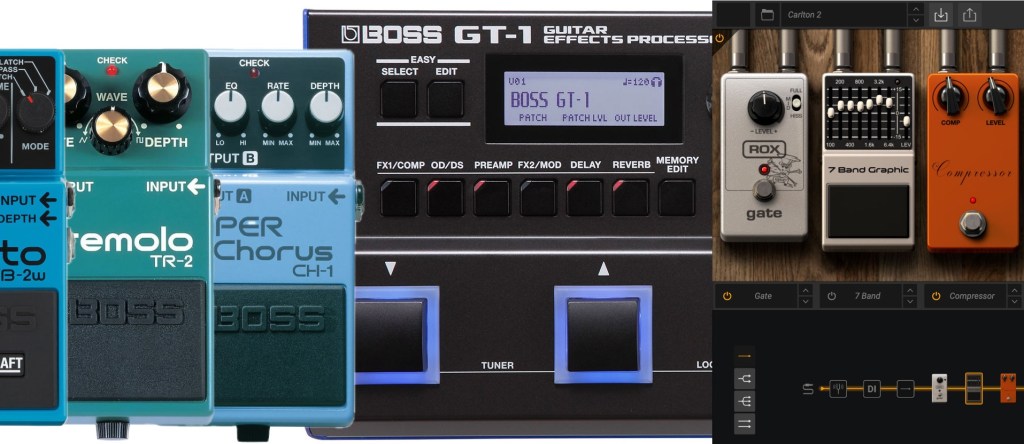
When it comes to crafting your guitar tone, the tools you use can make or break your sound. Dedicated pedals, multi-effects units, and computer simulations each have their charm and quirks. But which one’s right for you? Let’s dive in, weigh the pros and cons, and help you figure out the best setup for your needs.
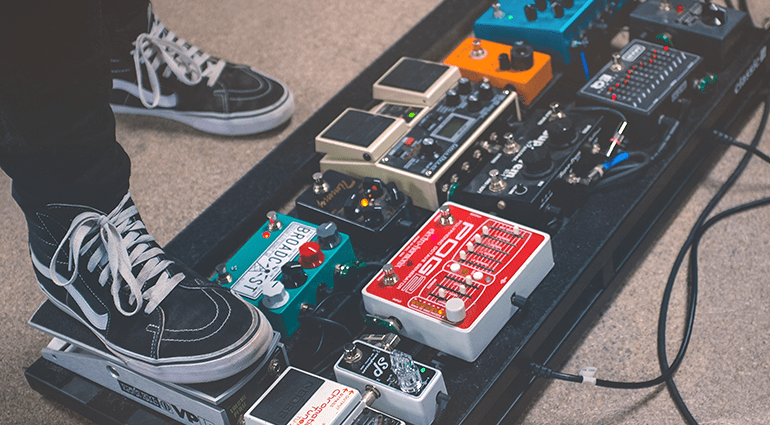
Dedicated Pedals: The Classics
Dedicated pedals are the old school legends of the guitar world. From the warmth of a vintage fuzz pedal to the crystalline shimmer of a boutique reverb, there’s a certain magic in these stompboxes.
Pros:
- Specialized Quality: Dedicated pedals are built to do one thing—and do it well. A delay pedal focuses entirely on crafting lush echoes, while a phaser delivers swirling tones you can tweak endlessly.
- Modular Setup: Want to swap out your overdrive? Easy—just replace that single pedal. This flexibility is perfect for tone chasers.
- Tactile Feel: There’s something satisfying about stomping on a pedal, twisting its knobs, and hearing your sound transform.
- Resale Value: Quality pedals hold their value over time, making it easy to trade or sell as your preferences change.
Cons:
- Cost Adds Up: Individual pedals can be pricey, and building a board with power supplies, patch cables, and more can burn through your wallet.
- Bulky: A full pedalboard isn’t exactly travel-friendly. Setting it up at gigs can also feel like a chore.
- Signal Chain Complexity: More pedals mean more chances for noise and tone loss if you don’t use high-quality cables and buffers.
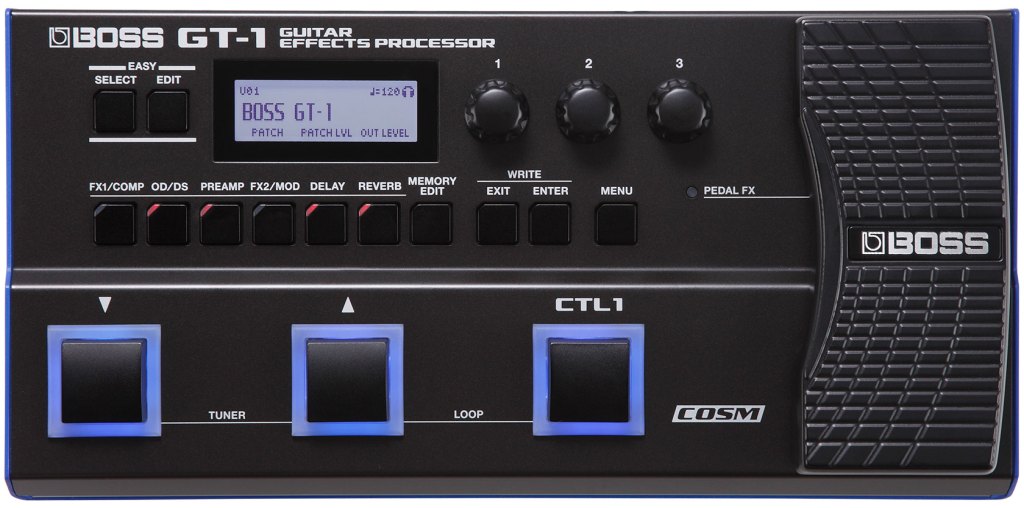
Multi-Effects Pedals: The All-in-One Solution
Multi-effects units are like the Swiss Army knives of guitar gear. They pack dozens (sometimes hundreds!) of effects into a single device.
Pros:
- Compact and Convenient: Instead of lugging around a pedalboard, you get everything in one neat package. Perfect for gigs or rehearsals.
- Cost-Effective: A multi-effects unit often costs less than a handful of quality pedals but delivers a wide range of sounds.
- Preset Flexibility: You can program entire signal chains and switch between them with a single tap. Great for covering diverse styles.
- Integrated Features: Many units include amp simulations, tuners, loopers, and more—essentially a guitarist’s toolbox.
Cons:
- Sound Quality: While multi-effects have improved a lot, some purists argue they lack the warmth and depth of dedicated pedals.
- Learning Curve: With so many features packed in, navigating the menus and controls can feel overwhelming.
- Limited Customization: Unlike modular setups, you’re locked into the features and tone-shaping options of your unit.

Computer Simulations: The Modern Frontier
With software like AmpliTube, Neural DSP, Guitar Rig, and Line 6 Helix Native, your computer can be your effects board and amp simulator.
Pros:
- Infinite Options: Simulations can replicate thousands of effects, amps, and cabinets, giving you endless possibilities.
- Recording-Ready: Plug directly into your computer and start recording with studio-quality tones—no mic placement required.
- Cost-Effective: Many software options are cheaper than building a pedalboard or buying a high-end multi-effects unit.
- Space-Saving: All you need is a laptop and an audio interface—perfect for home studios or tight setups.
Cons:
- Latency Issues: If your computer isn’t powerful enough, you might experience delays between playing a note and hearing the sound.
- Requires Hardware: You’ll need an audio interface and possibly a MIDI controller to make the most of your setup.
- Less Tactile: Clicking a mouse or touchscreen isn’t as satisfying as tweaking a pedal or stomping on a switch.
- Live Setup Challenges: Bringing a laptop to a gig can feel risky, and setting up can be a hassle compared to pedals or multi-effects.
Comparison Table
| Feature | Dedicated Pedals | Multi-Effects Units | Computer Simulations |
|---|---|---|---|
| Sound Quality | Top-notch, specialized | Good, but varies by model | High-quality, with variability based on plugins and hardware |
| Cost | High (per pedal) | Moderate | Low to moderate |
| Portability | Bulky | Compact | Very compact |
| Flexibility | Highly customizable | Limited to onboard features | Endless possibilities |
| Ease of Use | Easy to tweak, plug, and play | Steeper learning curve | Requires some setup knowledge |
| Live Use | Reliable and durable | Convenient and versatile | Risky with potential latency issues |
How to Decide What’s Right for You
Your ideal setup depends on your needs, preferences, and playing style.
- If You’re a Tone Purist: Dedicated pedals are your best bet. They let you craft a personalized sound with high-quality components and endless tweakability.
- If You Want Convenience: Multi-effects units offer a great balance of versatility and portability. They’re perfect for gigging musicians who need a variety of tones at their fingertips.
- If You’re on a Budget or Recording: Computer simulations are hard to beat. They provide studio-quality tones without breaking the bank and make it easy to experiment.
The Hybrid Approach
Many guitarists combine these options for the best of all worlds. For example:
- Use a few dedicated pedals for your core sound (e.g., overdrive and delay) and supplement with a multi-effects unit for modulation.
- Pair a multi-effects pedal with computer simulations to expand your studio options.
This approach lets you tailor your rig to different scenarios without sacrificing tone or functionality.
Conclusion: Find Your Perfect Tone Toolkit
Whether you go with dedicated pedals, a multi-effects unit, or computer simulations, there’s no right or wrong choice—only what works best for you. Each option has its strengths and weaknesses, and experimenting with different setups can help you discover the perfect balance. Remember, your tone comes from your fingers first, so let your gear enhance—not overshadow—your playing.
 oscaronguitars.com
Leave a comment